

Verified against the published script versions on TradingView as of November 2026. If a setting in your version differs, check the changelog.
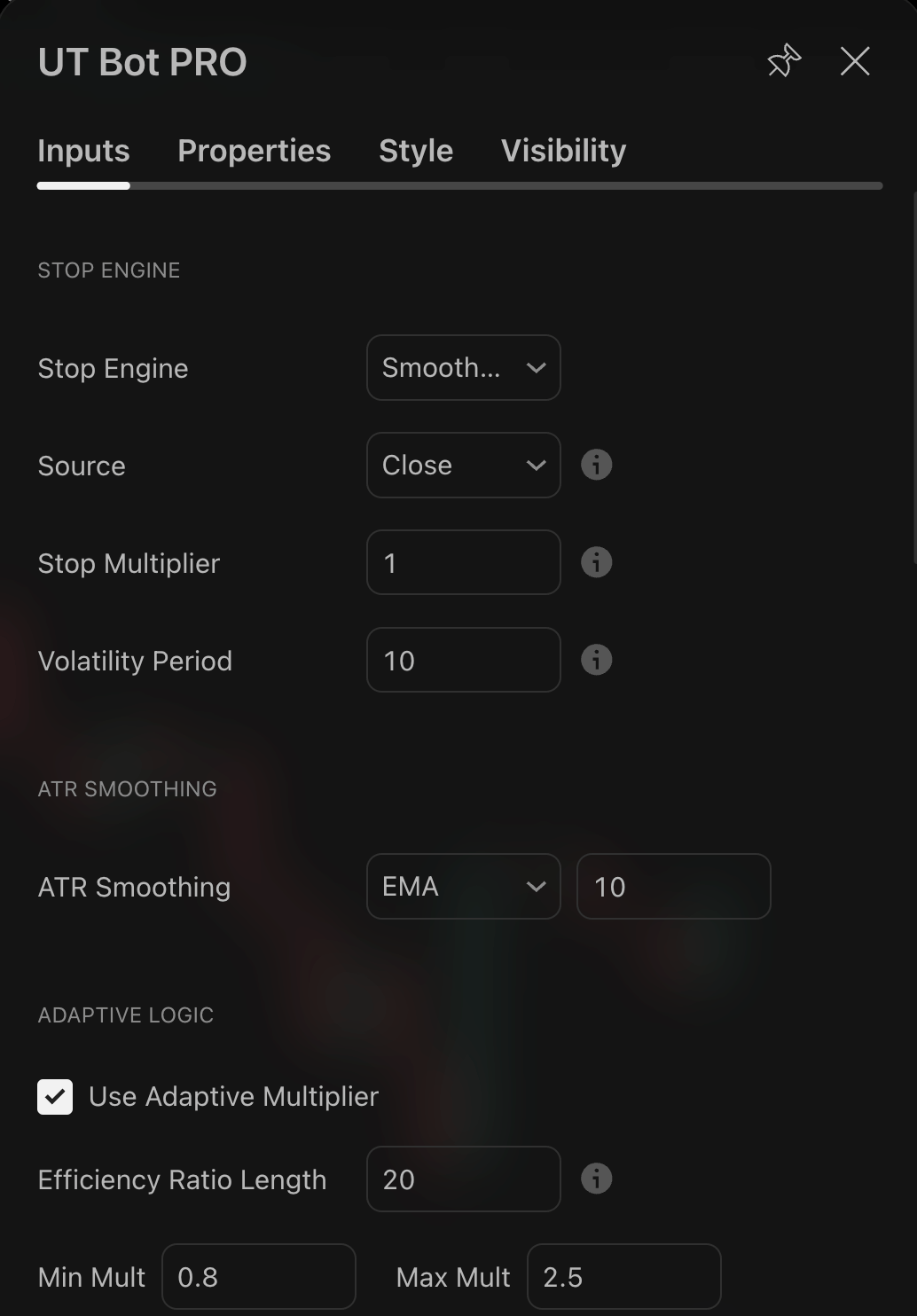
UT Bot Pro Inputs tab (example with Smoothed ATR and the adaptive multiplier on; defaults are in the tables below)
Stop Engine
ATR Smoothing
Adaptive Logic
Entry Engine
HTF Filter
Exit Engine
Backtesting Range
Display
Strategy properties
The Properties tab holds TradingView’s standard strategy settings: initial capital, order size, commission, slippage, and so on. Set realistic commission and slippage for your market before evaluating results.Working with settings
- Save your configuration with Defaults → Save as default, or by saving the chart layout.
- Recreate alerts after changes. Alerts keep the settings they were created with.
- Change one thing at a time and compare results on the same chart. See ATR and Signal Sensitivity.